
Early access · MVP
How InvManage Works
No hardware to buy, install, or maintain. Just a photo, a model, and a human who makes the final call.
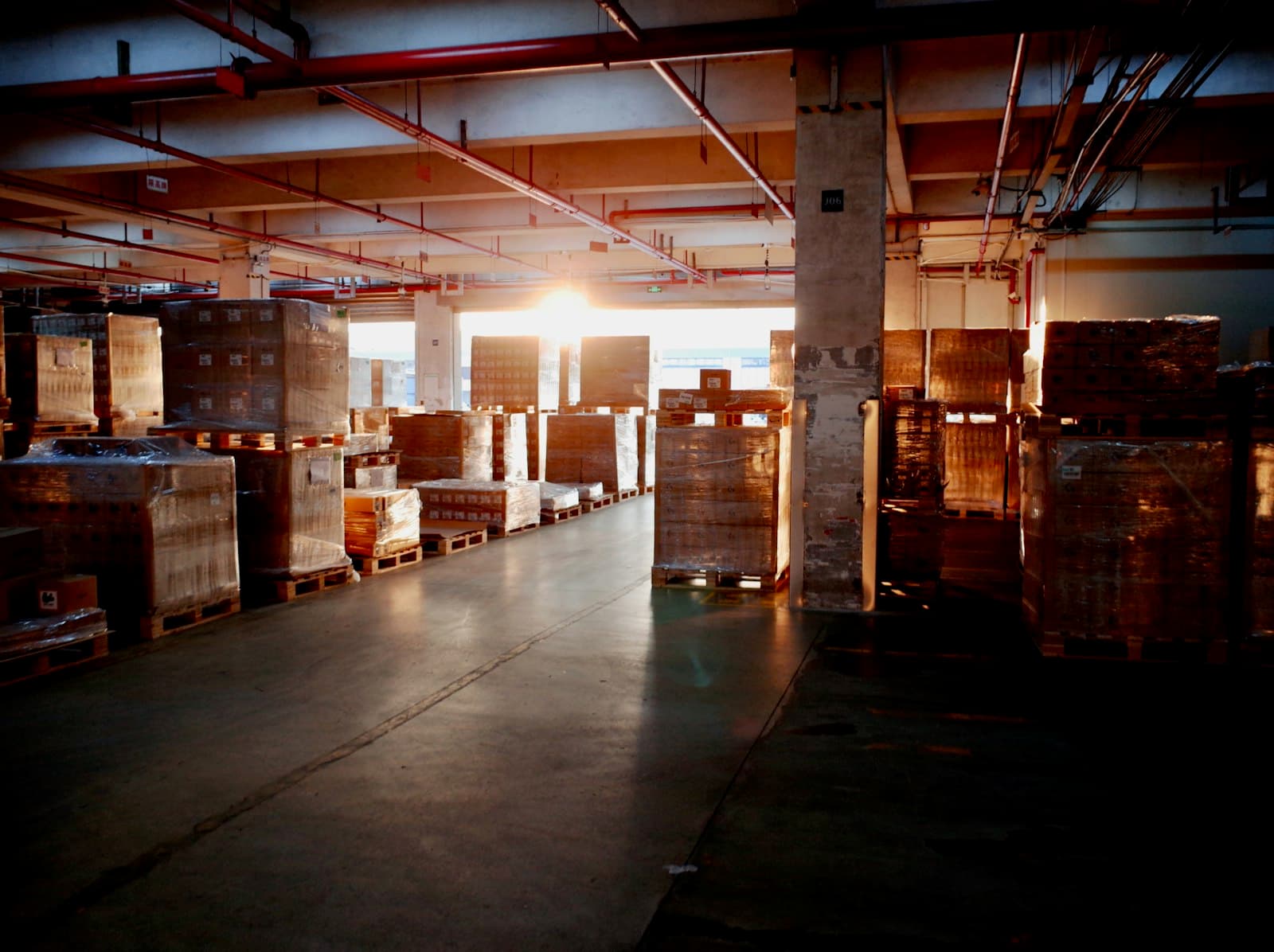
1. Capture — any phone, no new hardware
Staff photograph shelves, pallets, and receiving docks with the phone or tablet they already carry. There's nothing to mount, wire, or calibrate before you can start.
- Works with any smartphone camera, no special equipment.
- Fits into existing walk-through and cycle-count routines.
- Nothing to install before your first upload.

2. Analyze — a vision model scores each photo
Each upload runs through our detection model in the cloud, which flags likely stockouts, misplaced pallets, and damaged cases, each with a confidence score and a plain-language explanation of what it saw.
- Phantom-stock and misplaced-pallet identification.
- WMS and ERP workflow integrations on our Growth and Enterprise tiers.
- Every flag comes with a confidence score, not a black-box alert.

3. Review — a person makes the call
Flagged photos land in one review queue for your team, with the original photo alongside the model's finding. We're an early-stage product, so review is deliberately manual right now — no auto-reordering, no silent actions.
- One queue across every facility your team photographs.
- Confirm, dismiss, or escalate a flag with one tap.
- Nothing downstream fires without a human confirming it first.